One-tap access
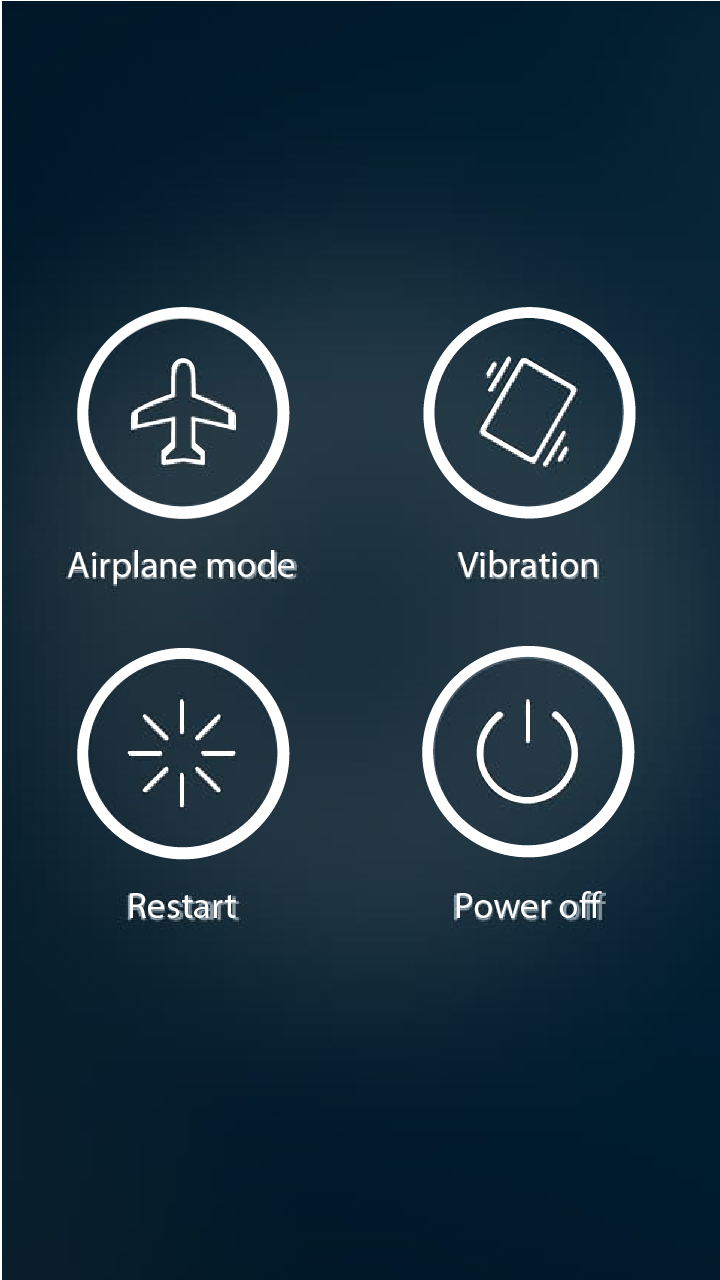
Open the system power menu from your screen when the physical button is awkward, damaged, or out of reach.
 Restart for Android Get the app
Power menu access, simplified
Open Android's native power menu instantly. No root, no complicated setup, and no need to fight with a broken physical button.
1M+Google Play
downloads
2.6K+Reviews
worldwide
No rootYour system
stays intact
Small app, big relief
Restart puts your phone's essential controls back within reach, without changing how Android works.
Open the system power menu from your screen when the physical button is awkward, damaged, or out of reach.
Restart works with Android's built-in accessibility service. Your system stays secure and unchanged.
No accounts and no clutter. A focused Android utility built to do one important job exceptionally well.
 Designed for the moment you need it
Ready in a minute
Install from Google PlayGet Restart from its official app listing.
Allow accessibility accessEnable the service used to show the system power menu.
Open your power menuTap Restart whenever you need the native Android controls.
Your phone stays yours
Restart uses Android's accessibility service only to request the native power menu. You always choose the final action yourself.
Good to know
Everything you need before your first tap.
No. Restart works through Android's accessibility service without modifying your phone.
Yes. The app lets you open the system power menu from the screen instead of relying on the physical button.
No. Restart opens Android's native power menu, where you remain in control of the final action.
JOIN 1M+ DOWNLOADS